Proper widget configuration is extremely important for an Amazon affiliate blog because it plays a major role in increasing conversions, keeping visitors on your website longer, and reducing the bounce rate.
Let’s explore how to organize your website widgets effectively to achieve better results with Amazon affiliate marketing.
Widget Design
Search Box: The first widget on the left sidebar should be a search box.
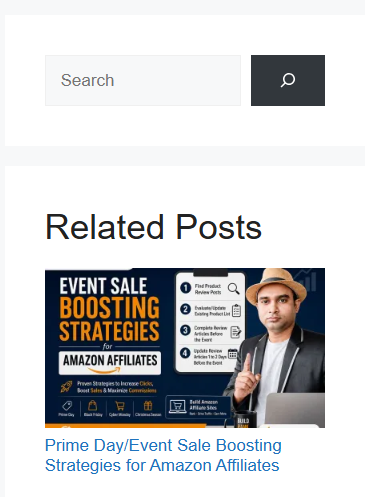
Relevant Posts: The second widget in the sidebar should display relevant posts.
You should also display relevant posts below the main article. However, in the GeneratePress theme, enabling thumbnails for the sidebar’s relevant posts widget does not automatically display thumbnails in the related posts section below the main content.
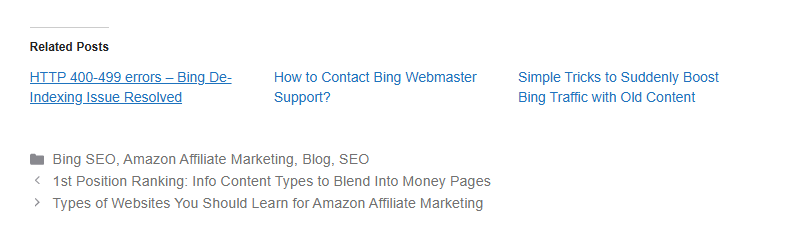
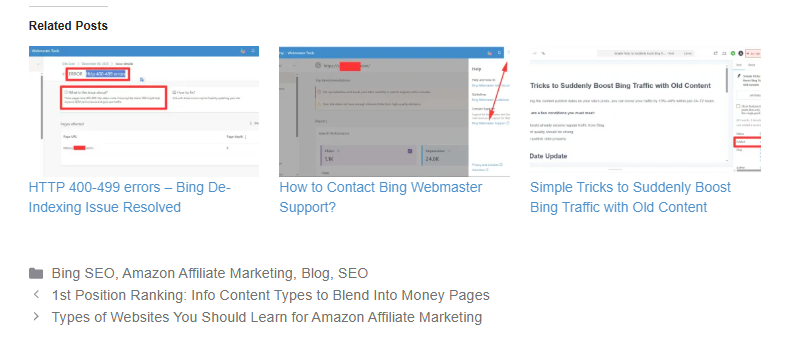
In this case, to display featured images in the related posts section at the end of your articles, you should enable the Show a thumbnail image where available option under Jetpack > Settings > Traffic.
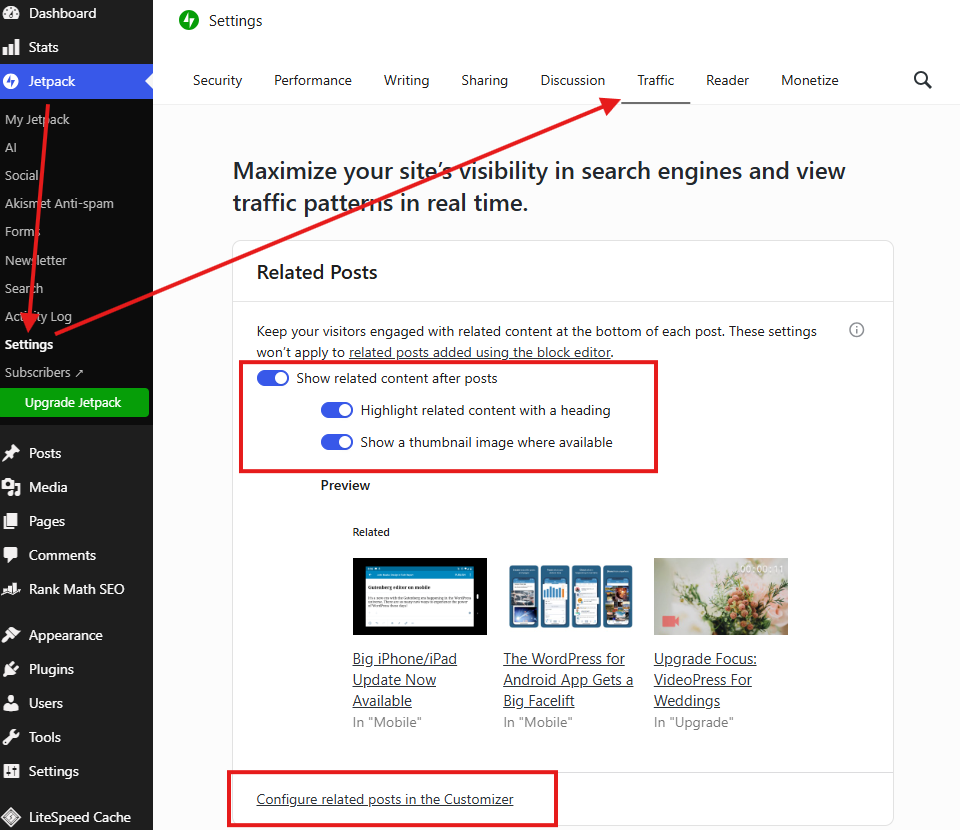
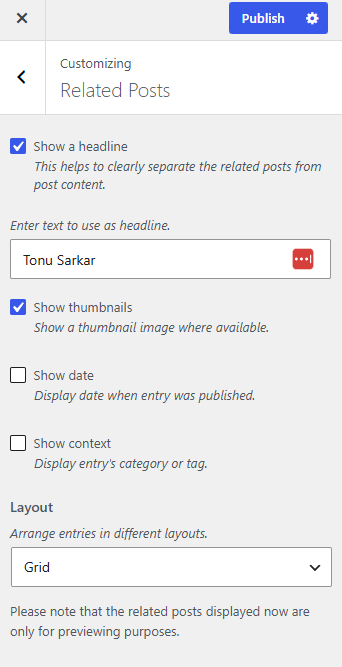
Next, click the Configure related posts in the Customizer link directly below it. From the available options, keep only Show Header and Thumbnail enabled, and uncheck all the remaining options.