
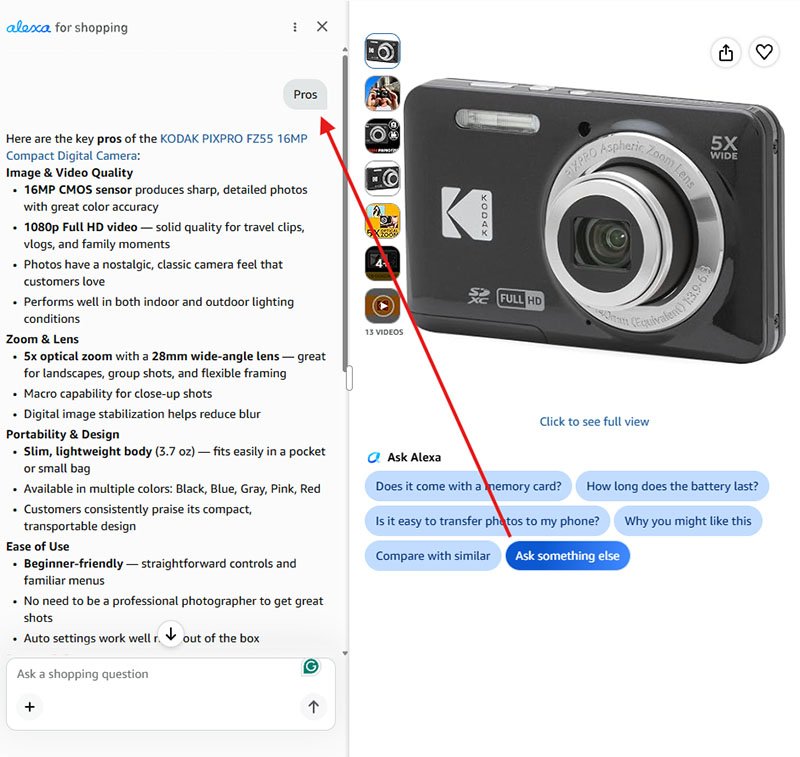
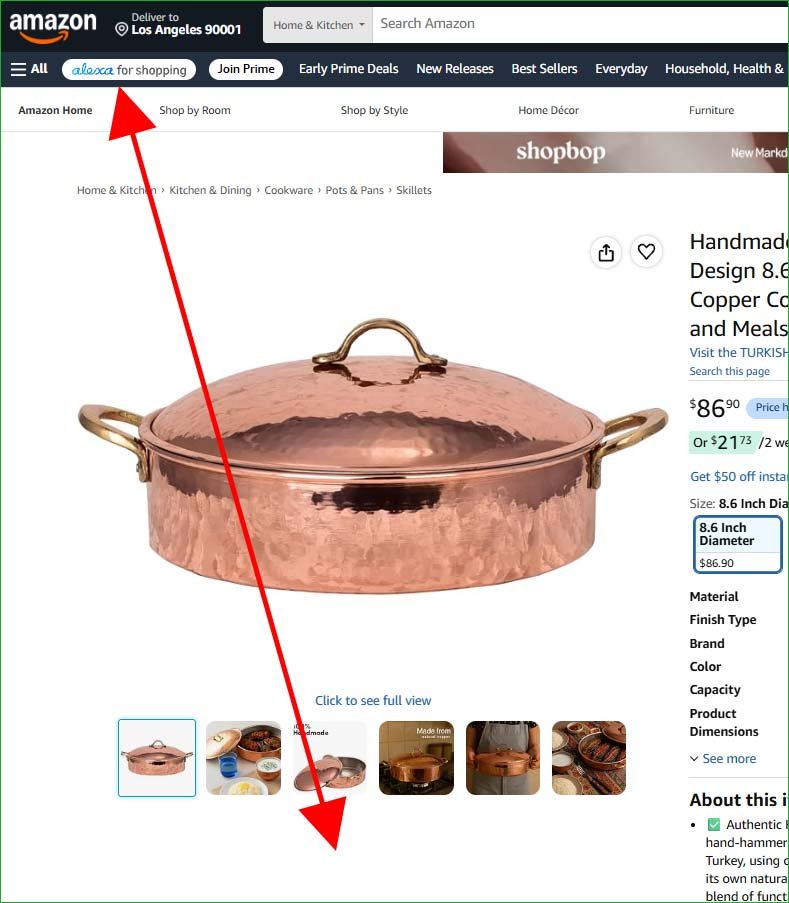
Open the product page for the product you are writing the pros for. Below the product image, click Amazon’s “AI” button and simply type “pros.”
For Free Training and Support: Join Our Social Platforms
Facebook Page: Sarkar State Official Facebook Page
Facebook Group: Sarkar State – Official Facebook Group
YouTube Channel: Sarkar State – Official YouTube Channel
Want to Start Amazon Affiliate Marketing? Join My Step-by-Step Course: Amazon Affiliate Marketing Course
The position of Amazon AI or Alexa at the top of the image.
Amazon’s AI will provide several potential pros in paragraph and bullet-point formats. Copy all of the information exactly and paste it into the AI tool you use for writing.
Then, use the prompt below. The AI will transform the information into concise, realistic cons based entirely on actual customer experiences and product feedback.
Prompt Only for Pros
Write 10 pros of this product within 4 to 7 words, not fewer or more. The writing style will share real-world personal experiences about the product.
Prompt Both for Pros and Cons
Write 10 pros and 5 cons of this product within 4 to 7 words, not fewer or more. The writing style will share real-world personal experiences about the product.
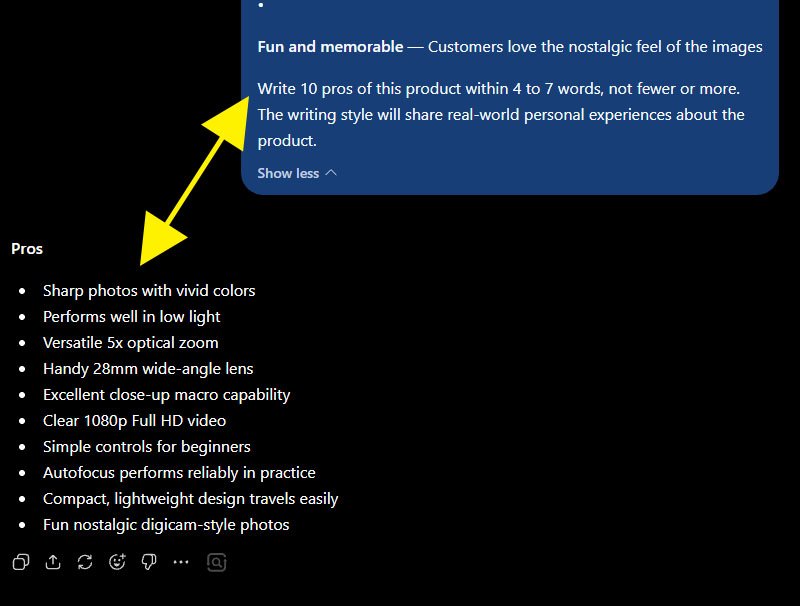
Even if the prompt generates ten or more pros, select only the 5-7 most relevant and useful ones, and discard the rest.
Essential Guidelines for Writing Pros in Amazon Product Reviews
When writing pros, you need to follow several important guidelines that I have developed through more than a decade of professional experience. These guidelines are discussed below.
Guide-1: Number of Pros in Each Review
You can include 5 to 8 pros in each review. It is best to avoid using fewer or more than this range.
Guide-2: Word Length of Each Pro
Each pro should ideally contain 4 to 7 words. Avoid making them shorter or longer than this range.
Guide-3: No Full Stop at the End of Pros (.)
Do not use a full stop (.) at the end of any pro.
Guide-4: Use Dot Points Instead of Numbers
Use bullet points instead of numbers to list the pros sequentially. Do not use numbered lists.
Example: Correct Form
Pros
- Sharp photos with vivid colors
- Performs well in low light
- Versatile 5x optical zoom
- Handy 28mm wide-angle lens
- Excellent close-up macro capability
- Clear 1080p Full HD video
- Simple controls for beginners
- Compact, lightweight design travels easily
Example: Incorrect Form
Pros
- Sharp photos with vivid colors
- Performs well in low light
- Versatile 5x optical zoom
- Handy 28mm wide-angle lens
- Excellent close-up macro capability
- Clear 1080p Full HD video
- Simple controls for beginners
- Compact, lightweight design travels easily
Guide-5: Pros Heading Tag and Color
Use an H3 or H4 heading tag for the word “Pros.” For the heading color, use my preferred color: Green (#008000).
Example:
Pros
- Sharp photos with vivid colors
- Performs well in low light
- Versatile 5x optical zoom
- Handy 28mm wide-angle lens
- Excellent close-up macro capability
- Clear 1080p Full HD video
- Simple controls for beginners
- Compact, lightweight design travels easily
FAQs About the Pros in Amazon Product Reviews
Question: Should Pros and Cons be added at the beginning or end of a product review?
Answer: Pros and Cons are not only a highly sensitive summary of the overall product review but also an in-depth overview that can strongly influence a consumer’s buying decision.
However, these details do not include in-depth information about the product’s features or performance, which could mislead consumers if presented before the full review.
Therefore, they should not be placed at the beginning. Instead, add the Pros and Cons after completing the full review.